
Game development with Unity has become remarkably accessible, but choosing the right hardware remains a tricky balance — especially on a budget. Between compiled C# code, heavy texture baking, real-time lighting calculations, and physics simulations, Unity demands a well-rounded set of system resources.
As an Amazon Associate, DevForge Unity earns from qualifying purchases made through links in this article, at no extra cost to you. Our affiliate policy.
Quick answer
A good budget laptop for Unity has a recent 6- to 8-core CPU (Core i5/i7 H-series or Ryzen 5/7 H-series), 16GB of RAM you can upgrade to 32GB, a dedicated GPU with 6GB of VRAM for 2D and URP, or 8GB for HDRP and VR, and a 512GB to 1TB NVMe SSD. In practice that means an RTX 4050, 4060, 5050 or 5060 gaming laptop in the $700 to $1,100 range. Spend on the CPU and VRAM first; RAM and storage are the parts you can add later.
Our top picks at a glance
| Best for | Laptop | Price |
|---|---|---|
| Tightest budget (2D & mobile) | Acer Nitro V 15 | Check price |
| Best all-round value (URP / 3D) | Lenovo LOQ 15 / LOQ 16 | Check price |
| Most VRAM for the money | ASUS TUF Gaming A15 | Check price |
| HDRP, VR & faster builds | Acer Predator Helios Neo 16 | Check price |
Configurations vary by listing. Before you buy, confirm the exact CPU, GPU (and its VRAM) and RAM against the spec guide below.
Laptop marketing often works against game developers. PC manufacturers push “gaming laptops” built around maximum graphical output at high frame rates, often sacrificing CPU performance, RAM capacity, or build quality to keep prices competitive. For Unity developers, a machine optimized purely for high FPS in AAA games isn’t necessarily the best environment for building those games. Understanding what specs actually drive editor performance saves you money and prevents workflow bottlenecks.
🛠 Not sure which laptop to get?
Answer one quick question and we’ll point you straight to the laptop that fits your budget and project type.
What Specs Actually Matter for Unity (and What Doesn’t)
1. Processor (CPU): Single-Core Speed vs. Multi-Core Scaling
The CPU is arguably the most critical component for a developer. While playing a finished game relies heavily on the GPU, building a game in Unity relies heavily on the CPU.
- C# script compilation is predominantly single-threaded — fast single-core boost clocks keep iteration times low every time you switch back to the Editor after an edit.
- Asset import and light baking rely heavily on multi-core performance. Modern chips with 8–14 cores (combining performance and efficiency cores) speed these tasks up significantly.
2. System Memory (RAM): 16GB Minimum, 32GB Preferred
Don’t buy an 8GB system in 2026 unless it’s immediately upgradable. Running the Unity Editor alongside a code editor (Visual Studio/Rider), a browser with a dozen documentation tabs, and something like Blender or Photoshop easily consumes 12–14GB of RAM. Run out of physical RAM and your system pages to disk, causing severe editor lag.
Aim for 16GB DDR5 out of the box, and check that the laptop has accessible SO-DIMM slots so you can upgrade to 32GB later.
3. Graphics Card (GPU): VRAM Matters More Than Raw Clock Speed
Gaming laptop marketing emphasizes GPU model numbers, but for development, VRAM matters more than raw shader speed — the Unity Editor needs extra VRAM because the scene view, game view, inspector, and profiler all render simultaneously.
- 2D, stylized 3D, or low-poly indie games: 6GB VRAM is sufficient.
- HDRP, volumetric fog, complex Shader Graph work, or ray tracing: aim for at least 8GB VRAM.
4. Storage: NVMe SSD Speed and Capacity
Unity project folders grow fast — build output, baked lighting data, the Library cache, and asset packages add up quickly. Never run Unity projects off an external or SATA drive; use a PCIe NVMe SSD, minimum 512GB, ideally 1TB.
What to Look For — Spec Guide by Workflow
| Target Workflow | Minimum CPU | Minimum RAM | Recommended GPU | Storage |
|---|---|---|---|---|
| 2D / Mobile / Pixel Art | Intel Core i5 (12th Gen+) / Ryzen 5 (7000+) | 16GB | Integrated (Radeon 780M) or RTX 3050 | 512GB NVMe |
| 3D Stylized / URP | Intel Core i5 (13th Gen+) / Ryzen 5 (8000+) | 16GB DDR5 | RTX 4050 (6GB) / RTX 3060 | 512GB–1TB |
| 3D Realistic / HDRP / VR | Intel Core i7 (13th/14th Gen) / Ryzen 7 | 16GB (32GB ideal) | RTX 4060 (8GB) | 1TB NVMe |
Top Budget Laptops for Unity Development
Ultra-Budget ($600–$750)

Acer Nitro V 15 — Ryzen 5 7535HS or Core i5-13420H, RTX 3050/4050 (6GB), 8–16GB DDR5, 512GB SSD. Dual-fan cooling and easy access to RAM/SSD slots make this a solid entry point that handles 2D and medium-complexity URP projects without thermal throttling during light bakes.
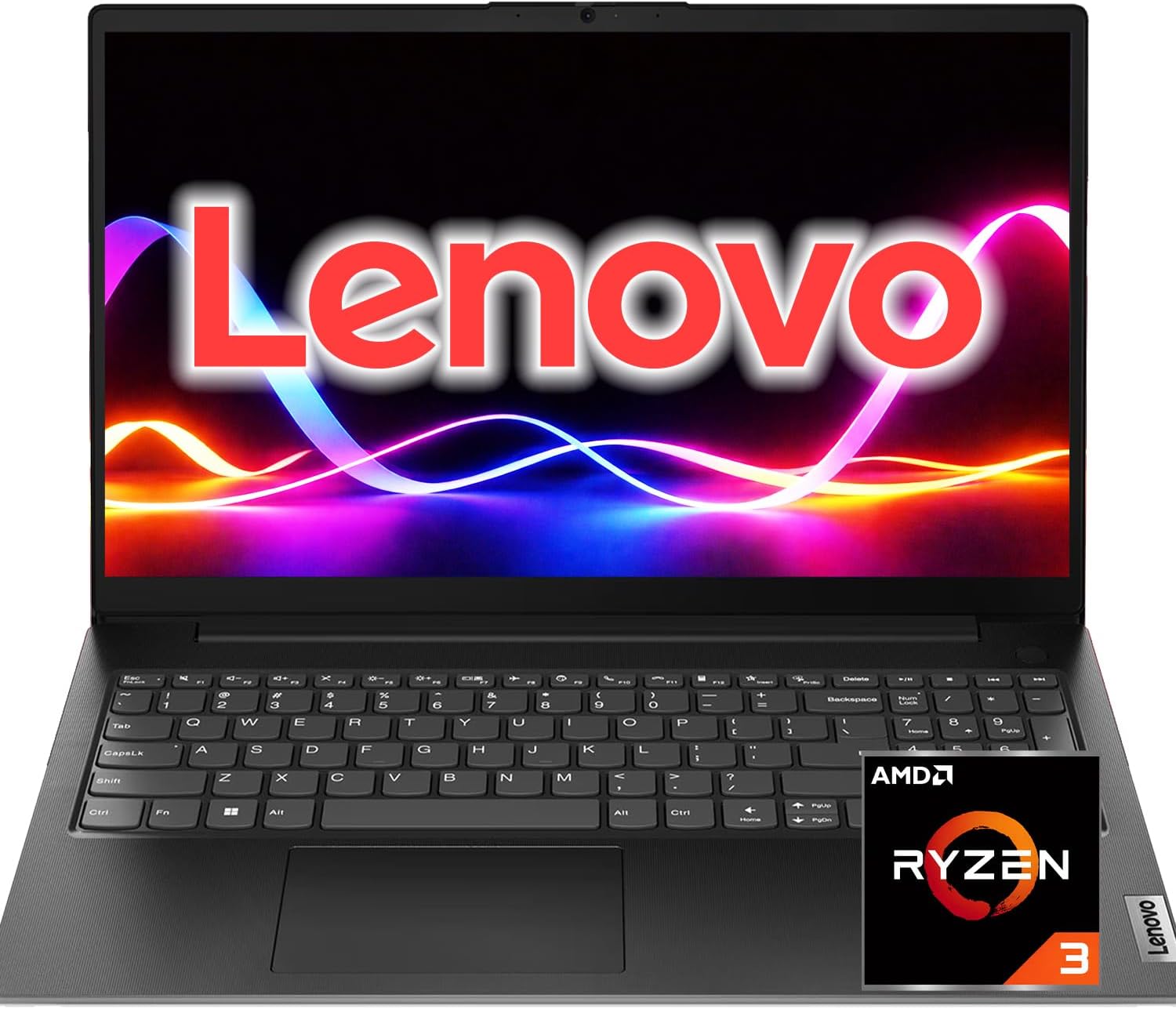
Lenovo IdeaPad Gaming 3 / LOQ 15 (entry configs) — Ryzen 5 7640HS, RTX 3050/4050, 16GB DDR5, 512GB SSD. A genuinely comfortable keyboard for long coding sessions, plus a cooling layout that resists throttling during script compiles and builds.
Mid-Range ($800–$1,000)
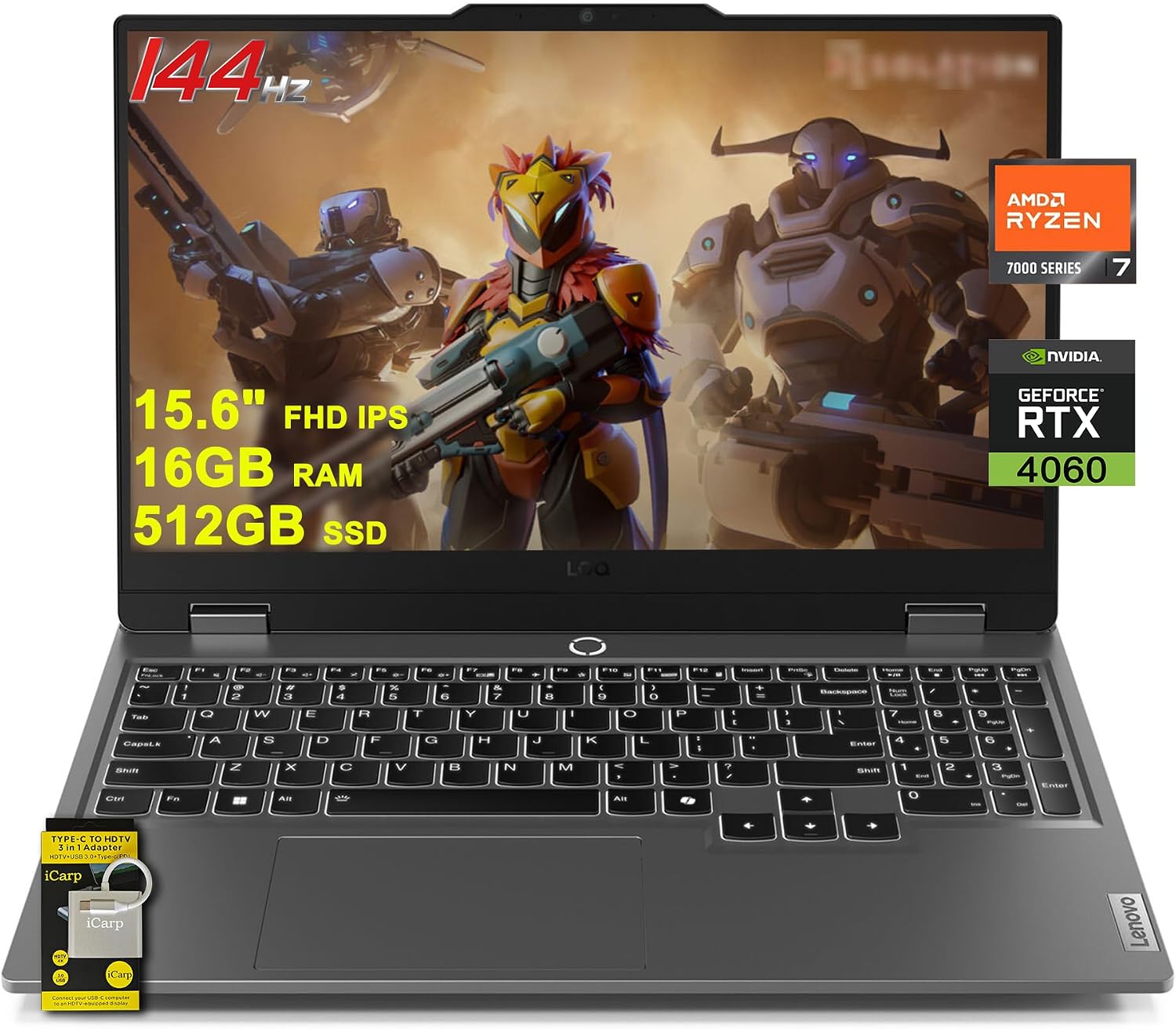
Lenovo LOQ 15 / LOQ 16 — Core i7-13620H or Ryzen 7 7840HS/8845HS, RTX 4050/4060, 16GB DDR5, 1TB SSD. Inherits cooling architecture from Lenovo’s premium Legion line, handling complex shader work and medium-scale URP lighting comfortably.
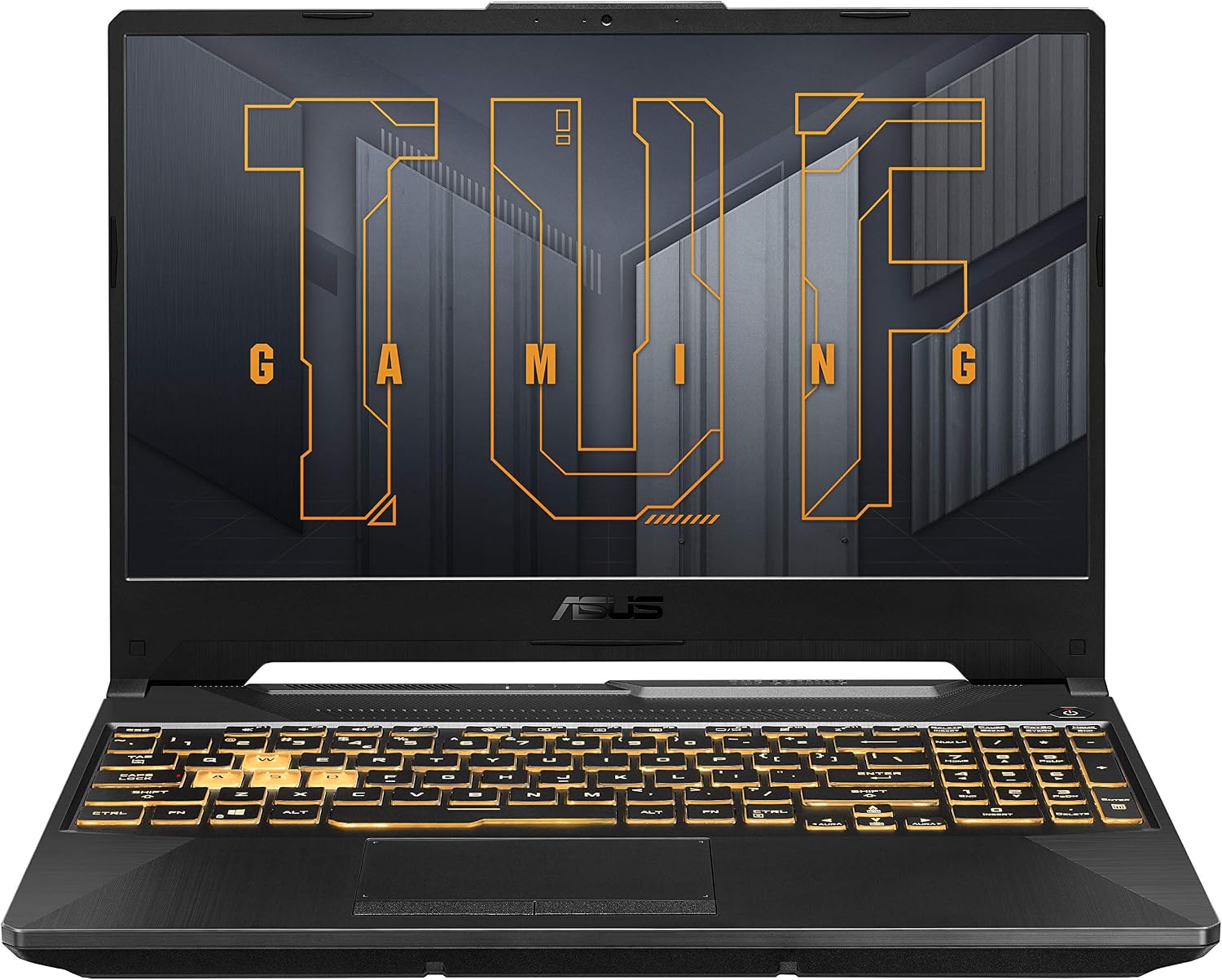
ASUS TUF Gaming A15 / F15 — Ryzen 7 7735HS/8845HS, RTX 4060 (8GB), 16GB DDR5, 1TB SSD. Known for durability and battery life; 8GB VRAM gives real headroom for uncompressed textures in the Editor.
High-Value / Performance ($1,050–$1,250)
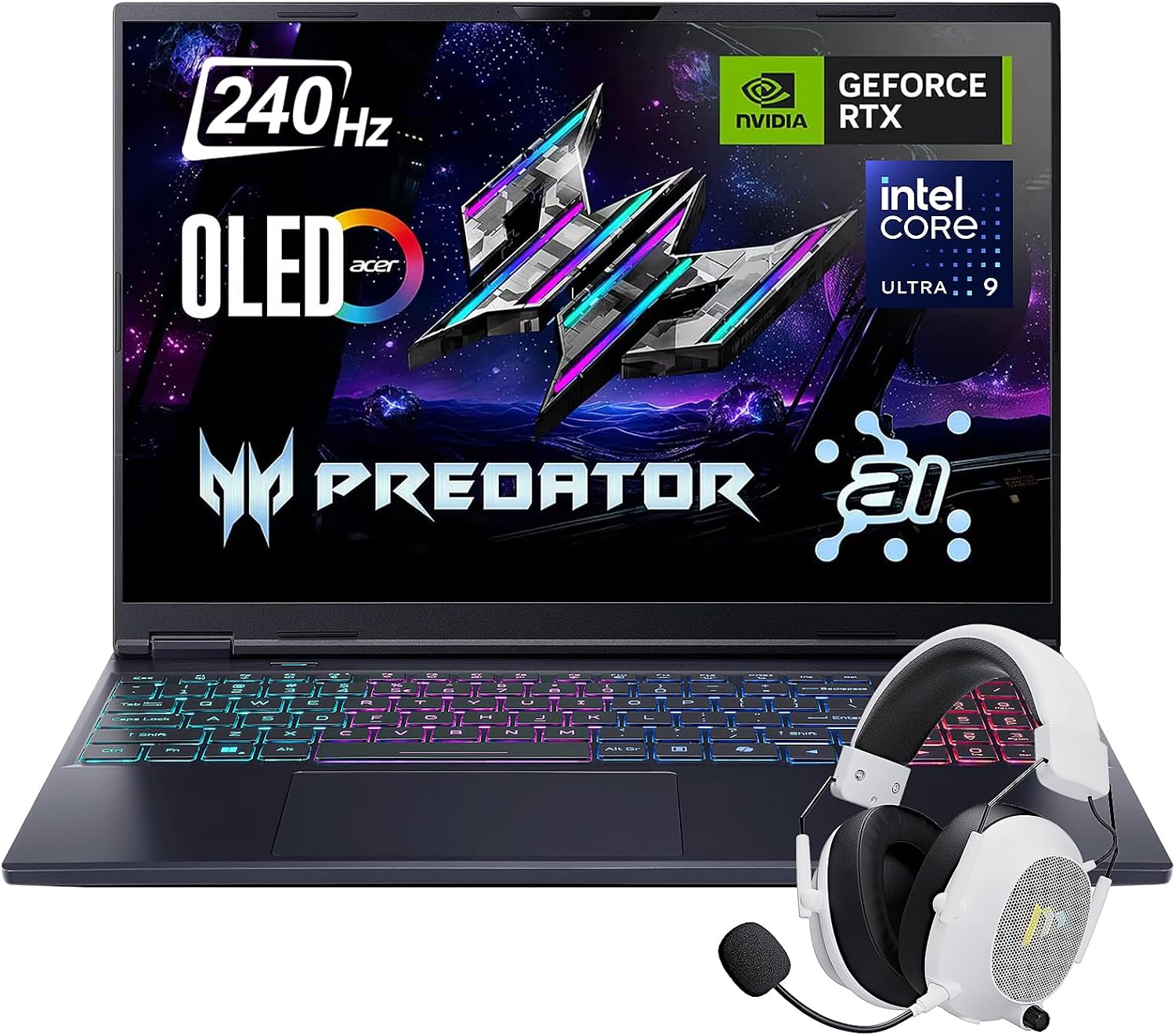
Acer Predator Helios Neo 16 — Core i7-13700HX/14700HX, RTX 4060 (8GB), 16GB DDR5 (expandable to 64GB), 1TB NVMe. The “HX” Intel chips cut compilation and build times noticeably; the 16:10 display gives extra vertical space for code and editor panels.
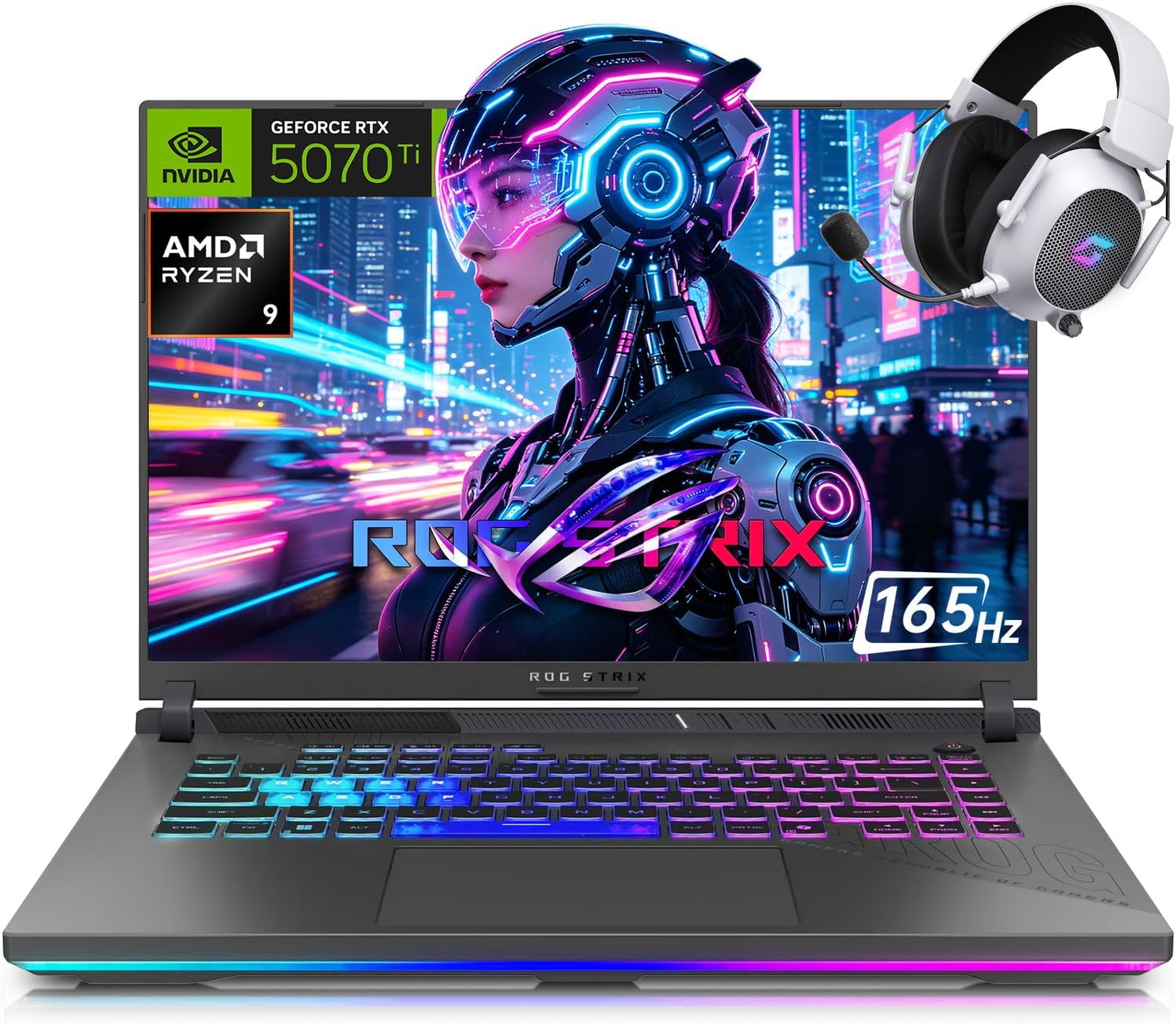
ASUS ROG Strix G16 (base tier) — Core i7-13650HX, RTX 4060, 16GB DDR5, 1TB SSD. Base configs regularly drop into this price tier during sales, and liquid-metal thermal management keeps clocks sustained during long operations like navmesh baking and occlusion culling.
RTX 40-Series or RTX 50-Series in 2026?
Most of the laptops above are sold in both RTX 40-series and newer RTX 50-series configurations, and the older ones are often the better deal for development work.
- VRAM is the real difference at the bottom of the range. The RTX 4050 has 6GB, while the RTX 5050 and 5060 both have 8GB. If you plan to use HDRP, large textures or VR, that extra 2GB matters more than the speed gain.
- The headline 50-series features help players more than developers. Frame generation raises frame rates in finished games. It does not make scripts compile faster, lighting bake sooner or the Editor feel snappier.
- An RTX 4060 (8GB) laptop on clearance is still an excellent Unity machine. If it is noticeably cheaper than the 5060 version of the same chassis, put the saving towards 32GB of RAM instead.
- Avoid 4GB cards. Some older RTX 3050 configurations ship with 4GB of VRAM, which the Editor can fill with a single URP scene open. Check the listing for the VRAM figure, not just the model name.
What About a MacBook?
The Unity Editor runs natively on Apple silicon, and a MacBook Air with 16GB of memory is a quiet, long-lasting machine for 2D, mobile and light URP projects. It is also the only practical route to shipping on iPhone, because iOS builds have to go through Xcode on macOS (see our iOS build guide).
The trade-offs are real, though. The Air has no fan, so long light bakes and builds slow down as it heats up. Memory and storage can never be upgraded, so you must buy the right amount up front. You cannot test a Windows build on it, and PC VR development over Quest Link needs Windows. For most budget buyers making PC games, a Windows laptop with a dedicated GPU gives more Unity performance per dollar.
Features That Matter Every Day (and Ones to Skip)
Spec sheets focus on the CPU and GPU, but these smaller details decide how pleasant the laptop is to work on for hours:
- A 16:10 screen. The extra height gives the Inspector, Console and your code editor more room than a 16:9 panel of the same width.
- Colour coverage near 100% sRGB. The cheapest gaming panels cover only about 60% and look washed out, which makes it hard to judge lighting and materials. Listings usually state this figure.
- Two RAM slots and a spare M.2 slot. This is what turns a 16GB / 512GB bargain into a 32GB / 1.5TB workstation a year later.
- Enough ports for a monitor, mouse and phone at once. You will have a test device plugged in more often than you expect.
And the features you can safely ignore to save money: 4K panels (they drain the battery and make the Editor UI tiny), 240Hz refresh rates, per-key RGB lighting, and anything above an RTX 4060 or 5060 unless you already know your project needs it.
Practical Buying Advice
- Prioritize upgradability over out-of-the-box specs. If forced to choose between a faster GPU and more pre-installed RAM, take the GPU — RAM and SSDs are cheap to upgrade later with a screwdriver.
- Invest in an external monitor. A single 15″ laptop screen gets cramped fast; Editor on one screen and code/docs on a second roughly doubles comfort and productivity.
- Use a cooling pad. Unity keeps CPU and GPU active continuously during Editor playtesting — a cooling pad extends hardware life and prevents thermal clock drops.
- Plan the RAM upgrade when you buy. If the laptop has two SO-DIMM slots, a 32GB DDR5 SO-DIMM kit is usually the single biggest improvement you can make for Unity. Check the manual first: some thin models solder one or both sticks.
- Add a second SSD for projects. A 1TB NVMe M.2 SSD in the spare slot keeps your projects and their
Libraryfolders off the system drive. If the Editor already feels sluggish, our slow Editor fixes are worth trying before you spend anything.
Final Thoughts
Building games in Unity on a budget doesn’t require a high-end workstation laptop. Focus on multi-core CPU speed, expandable RAM, and adequate GPU VRAM rather than pure gaming-marketing hype, and a machine like the Lenovo LOQ, ASUS TUF A15, or Acer Nitro will power your development workflow for years.
FAQ
Is 16GB of RAM enough for Unity?
Yes, for 2D, mobile and small to medium 3D projects. Unity, a code editor and a browser together typically use 10 to 14GB, so 16GB works but leaves little spare. Go to 32GB if you run Blender or Photoshop alongside the Editor, work on large scenes, or bake a lot of lighting.
Can I use Unity without a dedicated graphics card?
You can. Recent integrated graphics such as AMD’s Radeon 780M handle 2D games and simple URP scenes. You will hit limits with real-time shadows, post-processing, large terrains and anything in HDRP, and integrated graphics share your system RAM, so 16GB becomes the practical minimum.
Is a gaming laptop good for game development?
Usually, yes. Gaming laptops are the cheapest way to get a fast CPU, a dedicated GPU and proper cooling in one machine. The weak points are battery life, weight and, on the cheapest models, a dull screen. Those matter less if you mostly work at a desk with an external monitor.
Is 8GB of VRAM enough for Unity?
For indie-scale work, yes. 8GB is comfortable for URP and workable for HDRP and VR. You only need 12GB or more for very large open worlds, heavy ray tracing, or if you also run local AI tools on the same GPU.
Intel or AMD for Unity?
Either. Compare the specific chips, not the brands. For Unity, look for strong single-core speed (it drives script compilation and Editor responsiveness) and at least 6 performance cores (for asset imports, builds and light baking). Current H-series and HX-series chips from both makers meet that bar.
Should I buy a used or refurbished laptop?
It can be a good way to stretch a budget, especially a refurbished model with a warranty from the manufacturer or a major retailer. Check the battery condition, confirm the exact GPU and its VRAM, and avoid anything with 8GB of soldered RAM.
Which Unity version should I install on a budget laptop?
Use the current LTS release for a new project. Our Unity version guide explains the options, and baked lighting is the setting that most helps weaker GPUs.
Keep reading: the best books for aspiring game developers, and how to set performance budgets that fit the hardware you end up with.
Reader questions
Asked by readers of this article and answered by AI. Behavior can differ between Unity versions, so test in yours.



Leave a Reply