

NullReferenceException: Object reference not set to an instance of an object is the error every Unity developer sees first and keeps seeing for years. It means your code tried to use something that isn’t there. The message itself is vague, but the stack trace under it tells you exactly where it happened, and in Unity there are only about ten ways a reference ends up null. This guide shows how to find the null in seconds, walks through each Unity-specific cause with a fix, covers the “only happens in the build” version, and ends with habits that stop it coming back.
What NullReferenceException Means
Variables that hold objects (a Rigidbody, a GameObject, a List, your own classes) don’t hold the object itself. They hold a reference to it. When the reference points at nothing, its value is null. Reading a field or calling a method through a null reference is impossible, so C# throws a NullReferenceException.
Rigidbody rb;          // never assigned, so rb is null

void Update()
{
    rb.AddForce(Vector3.up);   // NullReferenceException
}
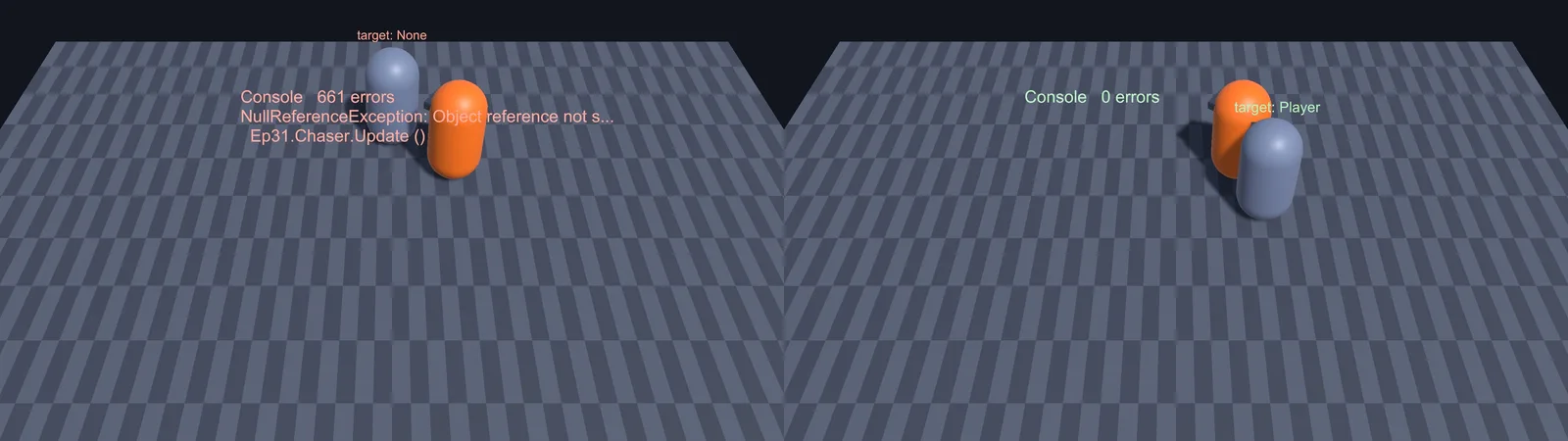
In Unity, an exception stops the rest of that method for that frame, but the game keeps running. That’s why you often see the same error hundreds of times in the Console, once per frame. Turn on Collapse in the Console toolbar to group them, and always fix the first one, since later errors are often knock-on effects.
Step 1: Find the Exact Line and Variable
Click the error once and read the stack trace in the lower half of the Console:
NullReferenceException: Object reference not set to an instance of an object
EnemyAI.ChaseTarget () (at Assets/Scripts/EnemyAI.cs:42)
EnemyAI.Update () (at Assets/Scripts/EnemyAI.cs:27)
The top line is where it failed: EnemyAI.cs, line 42, inside ChaseTarget. The lines below show how the code got there (Update called ChaseTarget). Double-click the error to jump to line 42 in your editor.
Now work out which reference on that line is null. Everything to the left of a . is a candidate:
// Line 42: four things could be null here
agent.SetDestination(target.transform.position + offsets[i].localPosition);
//  ^agent            ^target               ^offsets  ^offsets[i]
Two quick ways to narrow it down:
- Log them. Add a line just before:
Debug.Log($"agent={agent}, target={target}, offsets={offsets}", this);. Null values print as empty or “null”. Passingthisas the second argument makes the log clickable, so it highlights which enemy has the problem, which matters when only one of fifty instances is misconfigured. - Use the debugger. Set a breakpoint on the line, attach your code editor to Unity (in VS Code with the Unity extension, press F5; in Visual Studio, click Attach to Unity), and hover each variable when it pauses.
The 9 Common Causes (and How to Fix Each)
1. A field was never assigned in the Inspector
You declared [SerializeField] Transform target; or public Transform target; but never dragged anything into the slot. For fields of a Unity object type, Unity throws a more helpful variant:
UnassignedReferenceException: The variable target of EnemyAI has not been assigned.
You probably need to assign the target variable of the EnemyAI script in the inspector.
Fix: select the object and fill the slot. Watch for these variants:
- It’s assigned on one instance but not another. Click the error’s log context (or use the
thistrick above) to see which object is broken. - It’s assigned in the scene but not on the prefab. A prefab asset can’t store references to objects in a scene. If you spawn the prefab at runtime, its scene reference is empty. Pass the reference in from the spawner after
Instantiate, or look it up in the spawned object’sStart. - You renamed the field. Renaming a serialized field loses its saved value. Use
[FormerlySerializedAs("oldName")](fromUnityEngine.Serialization) when renaming.
2. GetComponent returned null
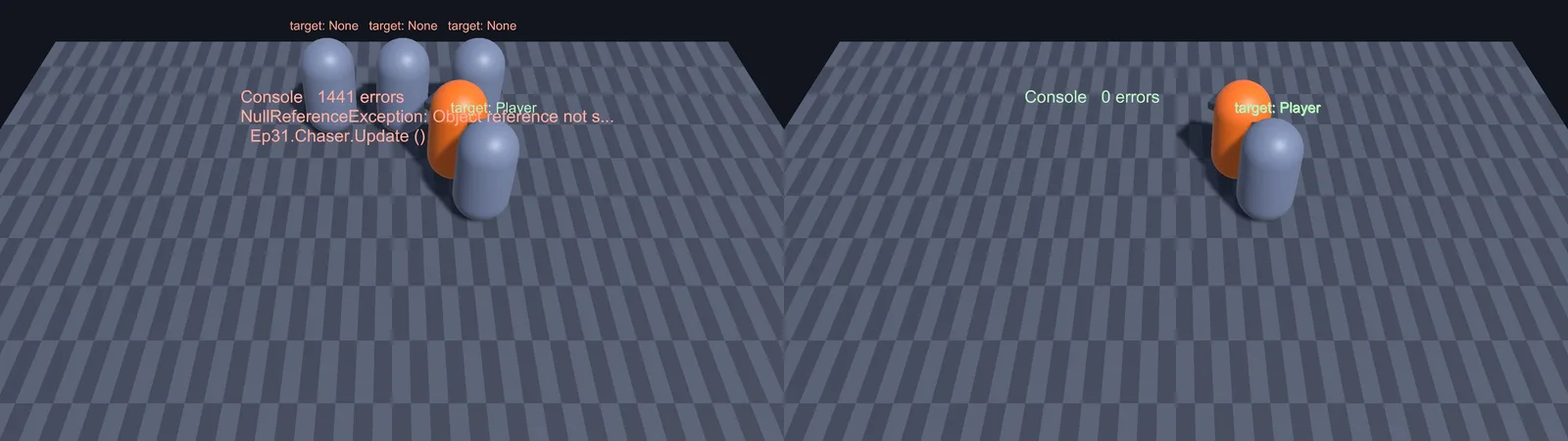
GetComponent<T>() only searches the same GameObject. If the component is on a child or parent, it returns null.
// Component might be elsewhere in the hierarchy
Animator anim = GetComponentInChildren<Animator>();
Health health = GetComponentInParent<Health>();

// Handle "might not exist" explicitly
if (other.TryGetComponent(out Health targetHealth))
{
    targetHealth.TakeDamage(10);
}
If a script always needs a component on the same object, add [RequireComponent(typeof(Rigidbody))] above the class. Unity then adds the component automatically and won’t let anyone remove it.
3. Find or Camera.main returned null
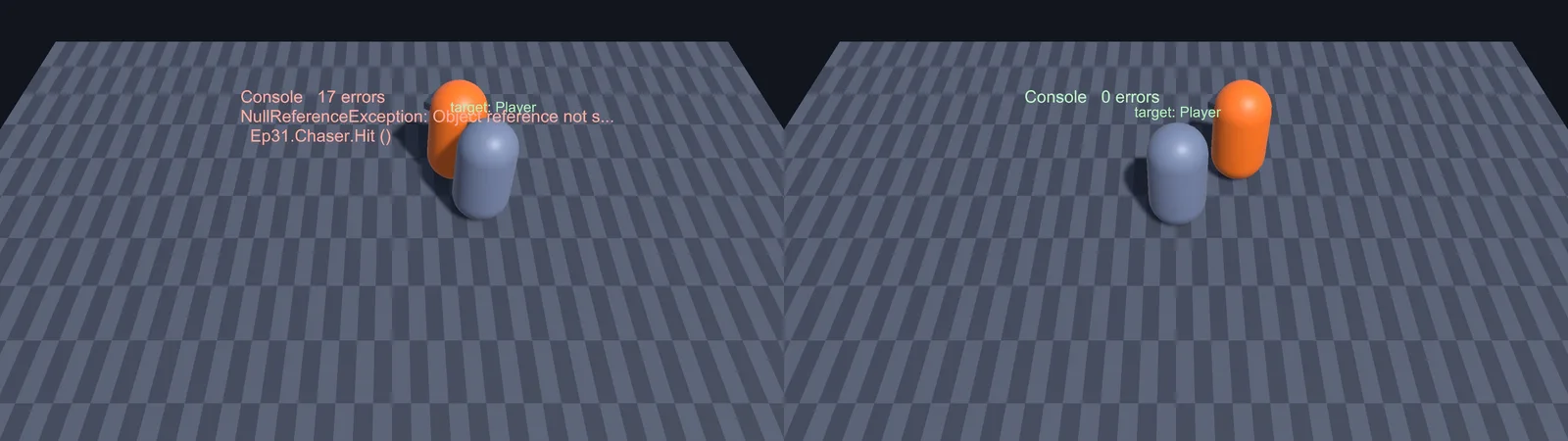
GameObject.Find("Player")returns null if the name doesn’t match exactly (including “(Clone)” on spawned objects) or if the object is inactive.Findnever returns inactive objects.GameObject.FindWithTaghas the same inactive-object rule.Camera.mainreturns the first enabled camera tagged MainCamera. If you replaced the default camera (with a Cinemachine setup or a new camera prefab) and the new one isn’t tagged MainCamera,Camera.mainis null.
Better: avoid Find in gameplay code. Assign references in the Inspector, or have objects register themselves with a manager when they spawn.
4. You used something before it was set up (execution order)
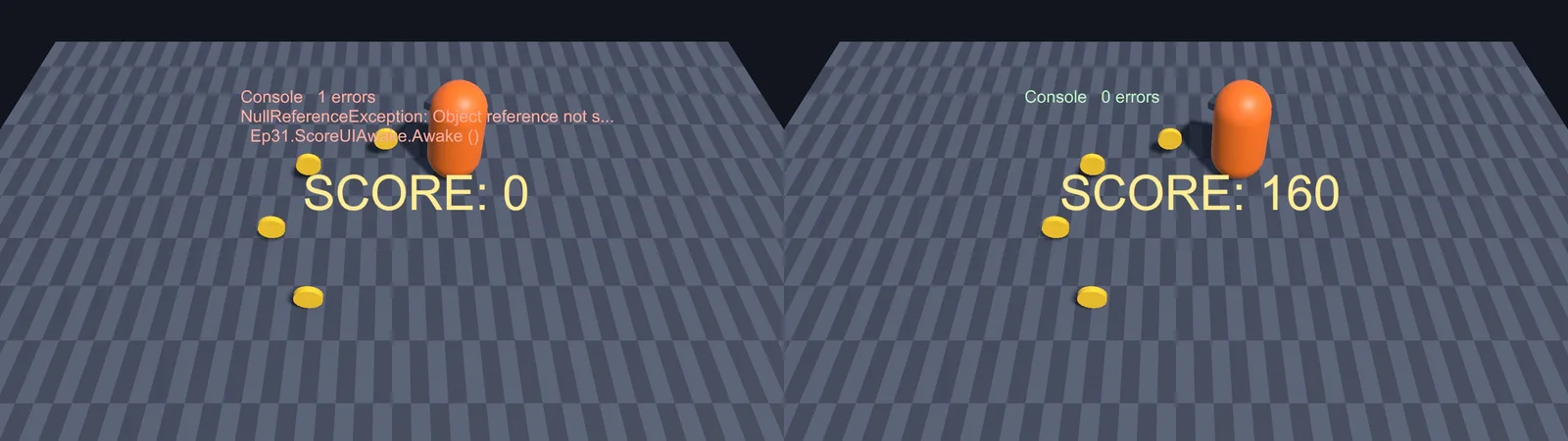
Unity calls Awake on every object, then OnEnable, then Start, but the order between different objects is not guaranteed. If UIManager.Awake reads GameManager.Instance, and GameManager.Awake (which sets Instance) hasn’t run yet, you get a null.
The rule that avoids nearly all of these:
- In
Awake, set up yourself: cache your own components, set your ownInstance. - In
Start, talk to other objects. EveryAwakehas finished by then.
public class GameManager : MonoBehaviour
{
    public static GameManager Instance { get; private set; }

    void Awake()
    {
        if (Instance != null && Instance != this) { Destroy(gameObject); return; }
        Instance = this;
    }
}

public class ScoreUI : MonoBehaviour
{
    void Start()   // not Awake: GameManager.Instance is guaranteed set by now
    {
        GameManager.Instance.OnScoreChanged += Refresh;
    }

    void Refresh(int score) { /* ... */ }
}
If you truly need one script’s Awake to run first, add [DefaultExecutionOrder(-100)] above its class (lower numbers run earlier).
5. A list or array was never created
Serialized public and [SerializeField] lists are created for you by Unity. Private, non-serialized ones are not:
List<Enemy> activeEnemies;               // null: Unity doesn't create private lists
List<Enemy> activeEnemies = new();       // fixed

Enemy[] wave = new Enemy[5];             // the array exists...
wave[0].Spawn();                         // ...but every element is still null
Also check that list elements aren’t null. A slot in an Inspector array left as “None” is a null element, and so is any enemy that was destroyed while still in your list.
6. An event or delegate has no subscribers
public event System.Action OnDied;

void Die()
{
    OnDied();          // NullReferenceException if nobody subscribed
    OnDied?.Invoke();  // safe: does nothing when there are no subscribers
}
The ?. operator is safe here because events are plain C# objects. It is not safe for Unity objects, as the next section explains.
7. “NullReferenceException: routine is null”
This specific message comes from coroutines. Most often you called StopCoroutine(myRoutine) when myRoutine was never started (so the stored Coroutine is null). Guard it:
Coroutine flashRoutine;

void StartFlash()
{
    if (flashRoutine != null) StopCoroutine(flashRoutine);
    flashRoutine = StartCoroutine(Flash());
}
8. The object belonged to a scene that was unloaded
An object marked DontDestroyOnLoad (an audio manager, a game manager) often holds references to objects in the current level. When you load the next scene, those objects are destroyed and the references go stale. Re-find or re-register the references after a scene loads (SceneManager.sceneLoaded), and have level objects register themselves with the persistent manager in their Start.
9. A plain C# object was never constructed
For your own non-MonoBehaviour classes, declaring a field doesn’t create the object. Inventory inventory; is null until you write inventory = new Inventory();. If the class is [System.Serializable] and the field is serialized, Unity creates it for you. Otherwise, initialize it where you declare it.
🛠 Catch unassigned fields before you press Play
Odin Inspector’s [Required] attribute (and its project-wide validator) flags every empty reference in red, in the Inspector, before it ever becomes a NullReferenceException. It’s the first asset on our list for a reason.
Destroyed Objects and Unity’s “Fake Null”
When you Destroy() a GameObject or component, the C# object doesn’t disappear immediately. Unity destroys the native engine object and overrides the == operator so that the leftover C# object compares equal to null. Accessing it throws a related exception:
MissingReferenceException: The object of type 'Enemy' has been destroyed but you are still trying to access it.
Your script should either check if it is null or you should not destroy the object.
The trap: the C# operators ?., ?? and is null bypass Unity’s overloaded ==. They see a real (not-yet-collected) C# object and let the call through:
Enemy target;   // was destroyed earlier this frame

target?.TakeDamage(5);          // WRONG: ?. doesn't see Unity's "fake null", call goes through
if (target is null) return;     // WRONG: same problem

if (target == null) return;     // correct: uses Unity's null check
if (!target) return;            // also correct (Unity objects convert to bool)
target.TakeDamage(5);
Use == null or the bool check for anything that derives from UnityEngine.Object (GameObjects, components, ScriptableObjects, materials, textures). Save ?. for plain C# objects and events.
NullReferenceExceptions That Aren’t From Your Code
Look at the stack trace. If every line starts with UnityEditor. or UnityEngine. and none mention your scripts, the error comes from the Editor itself, often from a window like the Animator, Inspector or Timeline that got into a bad state. These don’t affect your game. Try, in order:
- Close and reopen the window mentioned in the trace (for “Animator NullReferenceException” errors, close the Animator window).
- Reset the layout with Window > Layouts > Default.
- Restart the Editor.
- Update to the latest patch release of your Unity version. Editor-internal bugs are often fixed in patches.
If the trace starts inside a package (for example Unity.Cinemachine or a third-party asset), the package is usually reacting to something in your setup, like an empty target field. Read the lowest line that mentions your project.
NullReferenceException Only in the Build
Works in the Editor, breaks in the build. You can’t see the Console in a release build, so first get the log:
- Enable Development Build in Build Profiles (File > Build Profiles). Errors then show on screen and in the log with line numbers.
- Read the Player.log. On Windows it’s in
%USERPROFILE%\AppData\LocalLow\<Company>\<Product>\; on macOS in~/Library/Logs/<Company>/<Product>/. On Android, useadb logcator the Android Logcat package.
Then check the build-only causes:
- Execution order. The order of
Awake/Startbetween objects can differ between the Editor and a player. If you rely on it, apply the Awake/Start rule orDefaultExecutionOrder. - Editor-only code. Anything inside
#if UNITY_EDITOR(or in an Editor folder) doesn’t exist in the build. If it set up a reference, the reference is null in the player. - Scenes and loading. The first scene in the build list is the one that loads. In the Editor you may have started from a different scene that had your managers in it.
- Resources and Addressables paths.
Resources.Loadreturns null for a wrong path. Paths are case-sensitive on most platforms, even though Windows isn’t. - Faster or slower frames. Code that reads something “one frame after spawning” can break on a faster device. Don’t depend on frame timing to initialize references.
How to Prevent NullReferenceExceptions
A few habits remove most of these errors for good:
- Prefer serialized references over
Find. They’re faster and they fail visibly, as an empty slot, in the Inspector. - Use
[RequireComponent]andTryGetComponent. The first guarantees a component exists; the second makes “might not exist” explicit. - Follow the Awake/Start rule. Set up yourself in Awake, talk to others in Start.
- Validate in the Editor.
OnValidateruns when a value changes in the Inspector, so it can warn you immediately:
using UnityEngine;

public class EnemyAI : MonoBehaviour
{
    [SerializeField] Transform target;
    [SerializeField] UnityEngine.AI.NavMeshAgent agent;

    void OnValidate()
    {
        if (agent == null) agent = GetComponent<UnityEngine.AI.NavMeshAgent>();
        if (target == null) Debug.LogWarning($"{name}: EnemyAI has no target assigned.", this);
    }

    void Awake()
    {
        Debug.Assert(agent != null, $"{name}: EnemyAI needs a NavMeshAgent.", this);
    }
}- Fail loudly and early. A guard clause at the top of a method (
if (target == null) { Debug.LogError(...); return; }) turns a confusing exception into a clear message. - Don’t hide nulls. Wrapping everything in
if (x != null)stops the error but makes features silently not work. Only guard values that are allowed to be missing.
FAQ
How do I fix “Object reference not set to an instance of an object” in Unity?
Double-click the error to open the line, figure out which reference on that line is null (log them or use a breakpoint), then fix why it’s null: assign it in the Inspector, fix the GetComponent or Find call, or move the code from Awake to Start.
What’s the difference between NullReferenceException and UnassignedReferenceException?
UnassignedReferenceException is Unity’s clearer version for serialized fields of Unity object types that were never assigned in the Inspector. It tells you the variable and script name. NullReferenceException is the general C# error for everything else.
What does MissingReferenceException mean?
The reference used to point at an object that has since been destroyed. Check with if (obj == null) before using it, remove destroyed objects from your lists, and don’t use ?. on Unity objects.
Why is Camera.main null?
No enabled camera in the scene has the MainCamera tag. Select your camera and set Tag to MainCamera, or reference the camera directly through a serialized field.
Why does it only happen sometimes?
Usually execution order between objects, a specific instance that’s misconfigured, or something destroyed at an unlucky moment. Log with this as the context object to see which instance fails.
Can I just wrap everything in try/catch?
You can, but it hides the bug instead of fixing it and is slow in hot code like Update. Find why the reference is null and fix that instead.
Reader questions
Asked by readers of this article and answered by AI. Behavior can differ between Unity versions, so test in yours.


Leave a Reply